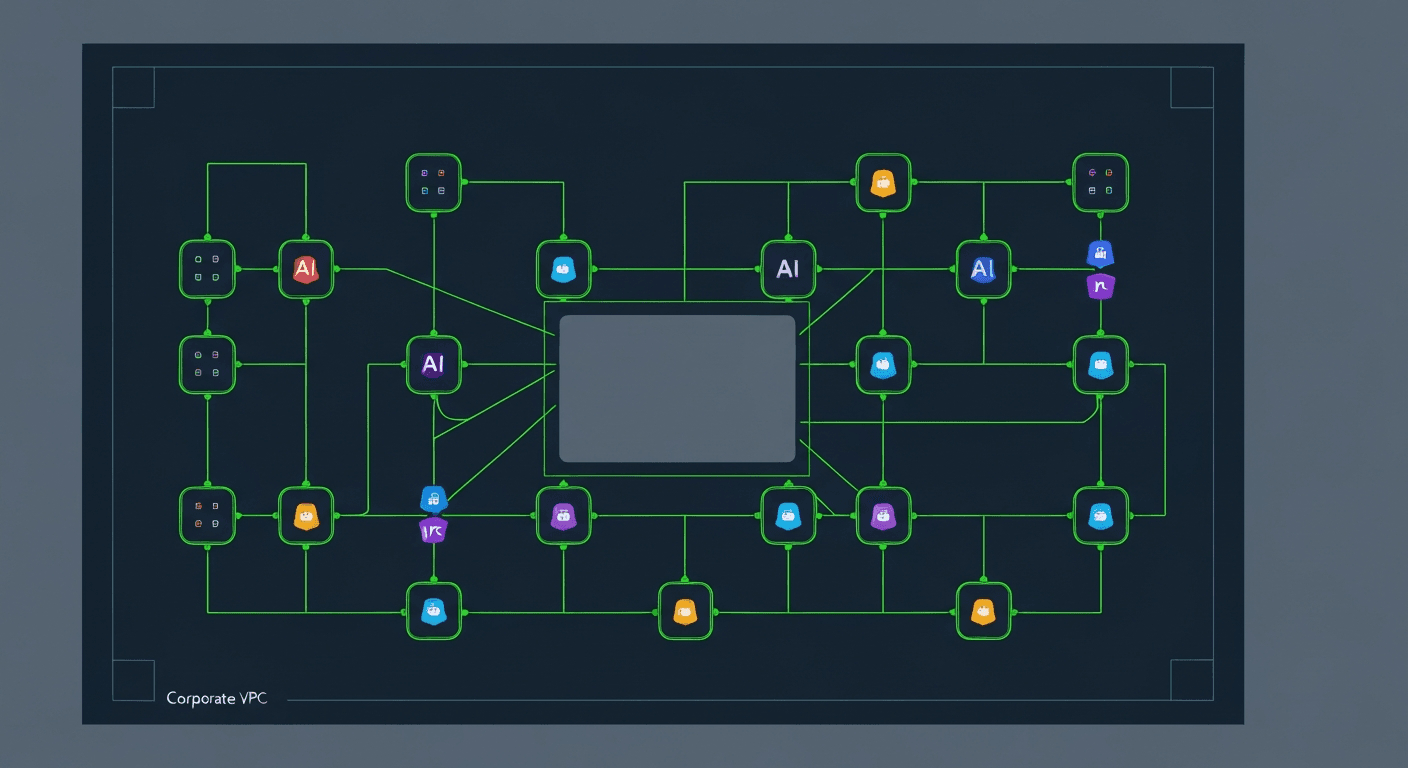
Install on Your Own Kubernetes
Use a private Kubernetes installation when your agents must run inside your own network, cloud account, or regulated environment. This path is for platform teams that already operate Kubernetes and want full control over data residency, ingress, secrets, and network policy.
When to Use This Path
Choose self-hosted Kubernetes when:
- Your repositories, internal APIs, or data stores are not reachable from SaaS
- Compliance requires private networking or region-specific data residency
- Your security team needs direct control over secrets, audit logs, and egress
- You already run GKE, EKS, AKS, or another conformant Kubernetes platform
- You want agents to operate next to internal systems without tunnels
Choose hosted SaaS when you want the fastest evaluation and do not need private cluster control yet.
Installation Shape
flowchart TB
    subgraph Cluster[Customer Kubernetes Cluster]
      subgraph Platform[agent-ceo-system]
        GW[Gateway API]
        NATS[NATS JetStream]
        KG[Knowledge graph]
        OBS[Observability]
      end
      subgraph Org[org-acme]
        CEO[CEO agent]
        CTO[CTO agent]
        DEV[DevOps agent]
        SEC[Shared secrets]
      end
    end
    Users[Human users] --> GW
    GW --> NATS
    CEO --> NATS
    CTO --> NATS
    DEV --> NATS
The private deployment has two main layers:
- Platform namespace: gateway, messaging, observability, and shared services
- Organization namespaces: isolated agent workloads, secrets, config, and persistent volumes
Prerequisites
| Requirement | Minimum |
|---|---|
| Kubernetes | 1.27+ |
| kubectl | Matching cluster minor version |
| Helm | 3.12+ |
| StorageClass | ReadWriteOnce persistent volumes |
| Ingress | nginx, GKE Ingress, ALB, or equivalent |
| DNS | Public or private records for dashboard and API |
| Secrets backend | Kubernetes Secrets, External Secrets, or cloud KMS integration |
1. Prepare Namespaces
Create one namespace for the platform and one namespace for each organization.
apiVersion: v1
kind: Namespace
metadata:
  name: agent-ceo-system
---
apiVersion: v1
kind: Namespace
metadata:
  name: org-acme
  labels:
    agent.ceo/org: acme
2. Configure Secrets
At minimum, the platform needs model provider credentials, GitHub app credentials or tokens, database credentials, and NATS credentials.
apiVersion: v1
kind: Secret
metadata:
  name: agent-ceo-platform-secrets
  namespace: agent-ceo-system
type: Opaque
stringData:
  ANTHROPIC_API_KEY: "replace-me"
  GITHUB_APP_ID: "replace-me"
  GITHUB_PRIVATE_KEY: "replace-me"
  NATS_URL: "nats://nats.agent-ceo-system.svc.cluster.local:4222"
Use External Secrets or your cloud KMS if your security policy disallows long-lived Kubernetes Secret values.
3. Install Platform Services
Install the platform services into agent-ceo-system. Your GenBrain AI deployment package provides the Helm chart values for your environment.
helm upgrade --install agent-ceo ./charts/agent-ceo \
  --namespace agent-ceo-system \
  --values values.private.yaml
Confirm that the gateway and message bus are healthy:
kubectl get pods -n agent-ceo-system
kubectl logs deploy/agent-ceo-gateway -n agent-ceo-system
4. Create an Organization Namespace
Each organization gets resource quotas, network policies, and agent-specific service accounts.
apiVersion: v1
kind: ResourceQuota
metadata:
  name: org-quota
  namespace: org-acme
spec:
  hard:
    requests.cpu: "8"
    requests.memory: 16Gi
    limits.cpu: "16"
    limits.memory: 32Gi
    pods: "20"
    persistentvolumeclaims: "20"
5. Deploy Agents
Deploy agents from templates after the organization namespace is ready. Start with a small team and expand after you verify logs, tool access, and network policy.
agent-ceo org create acme --namespace org-acme
agent-ceo agents deploy cto --org acme --template engineering-cto
agent-ceo agents deploy devops --org acme --template devops
6. Verify Routing and Isolation
Check these before inviting users:
- Gateway can authenticate dashboard users
- Agents can connect to NATS
- Agents cannot access other namespaces
- Agents can reach only approved external endpoints
- Persistent volumes survive pod restarts
- Audit logs capture user and agent actions
SaaS vs Private Kubernetes
| Question | SaaS | Private Kubernetes |
|---|---|---|
| Fastest first agent | Yes | No |
| Customer-controlled network | No | Yes |
| Customer-managed upgrades | No | Yes |
| Air-gapped option | No | Yes |
| Lowest operational burden | Yes | No |
| Works with private internal systems | Sometimes | Yes |