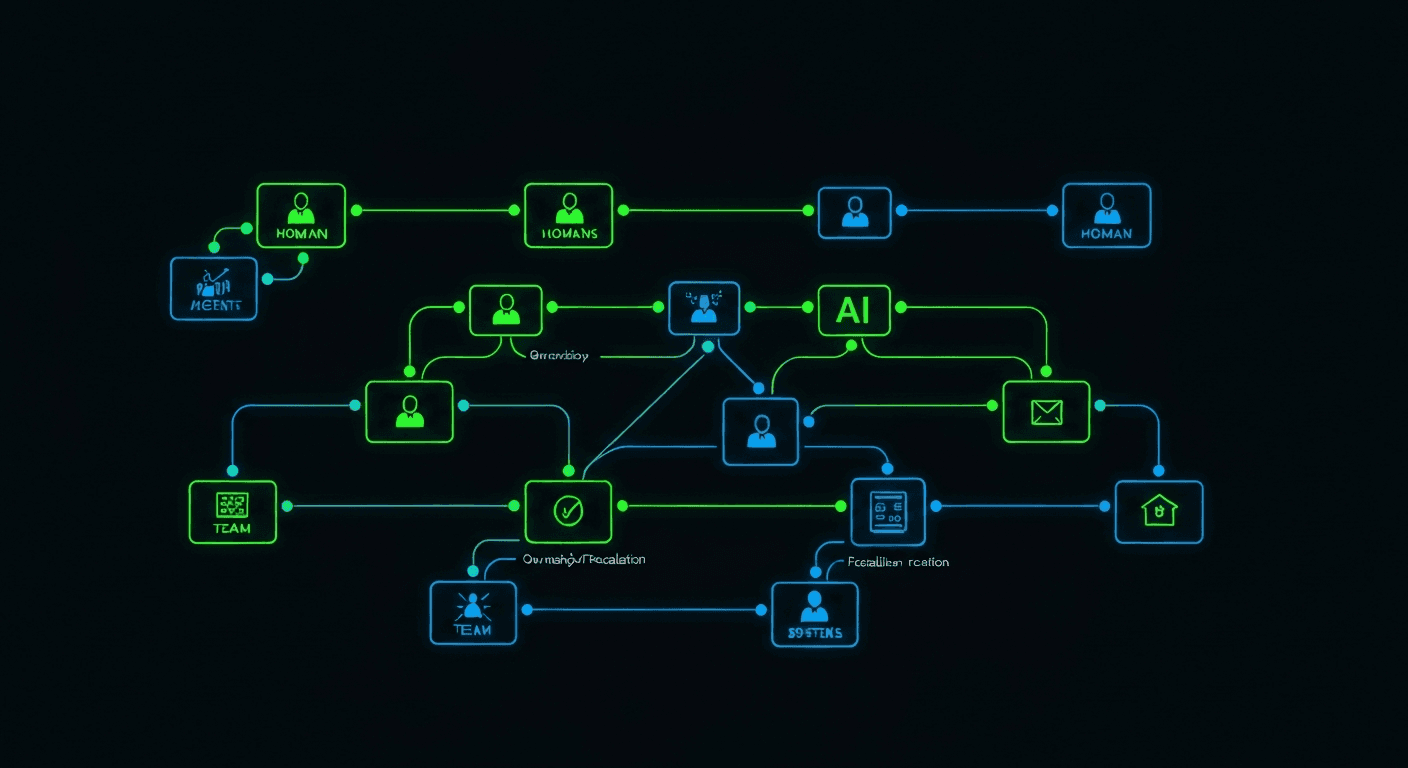
Organization Map
agent.ceo/map is the workspace where you model how your organization works. It connects humans, agents, teams, systems, and ownership areas so agents can route work correctly.
The map answers operational questions:
- Who owns this system?
- Which agent should handle this task?
- Which human approves production changes?
- Which team receives security escalations?
- Which repositories, services, and documents belong together?
What the Map Contains
flowchart TB
    Org[Organization]
    Org --> TeamA[Engineering]
    Org --> TeamB[Operations]
    TeamA --> Human1[Human: CTO]
    TeamA --> Agent1[Agent: Code Review]
    TeamA --> Repo[Repositories]
    TeamB --> Human2[Human: Platform Lead]
    TeamB --> Agent2[Agent: DevOps]
    Agent2 --> Service[Production services]
The map stores both structure and routing metadata.
| Object | Use |
|---|---|
| Organization | Top-level workspace and billing boundary |
| Team | A group of humans and agents with shared ownership |
| Human user | A person with access, role, and approval authority |
| Agent | An autonomous worker with tools, permissions, and scope |
| System | Repository, service, cloud account, document space, or workflow |
| Edge | Reporting line, ownership, escalation path, or dependency |
Add Users
Open agent.ceo/map, select People, and choose Invite user.
For each user, define:
- Email address
- Platform role
- Team membership
- Approval authority
- Notification channels
Use least privilege for the initial setup. A user can be a viewer in the platform while still appearing as an owner for a system in the map. Access and organizational responsibility are related, but they are not the same thing.
Place Agents
Agents should appear where they actually operate. A Security agent may report to Engineering for code scanning and Operations for incident response. A Marketing agent may own content workflows and still escalate legal review to a human.
For every agent, define:
- Primary team
- Manager or supervising human
- Systems it can access
- Tasks it can accept
- Escalation rules
Model Ownership
Ownership is the most important part of the map. Agents use it to decide when to act and when to ask.
| Ownership Type | Example |
|---|---|
| Repository owner | CTO agent owns code review for api-gateway |
| Service owner | DevOps agent owns uptime checks for billing-api |
| Data owner | Security agent owns credential scanning findings |
| Human approver | Platform lead approves production deploys |
| Escalation owner | Founder receives unresolved priority-1 decisions |
Keep the Map Useful
Review the map whenever you:
- Add a new team
- Invite or remove a user
- Deploy a new agent
- Connect a new repository or cloud account
- Change approval or escalation rules
- Move a system to a different owner
The map does not need to mirror a traditional org chart. It should reflect how work actually moves.