Developer Documentation
Everything you need to build, deploy, and manage AI agents with Agent.ceo. From first sign-up to production fleet.
Your first agent in 5 minutes
Sign up, get an API key, and deploy a working agent team.
Sign up
Create an account at app.agent.ceo and generate an API key from Settings.
Deploy agents
Provision an org with a template. Your agent team is live in under 2 minutes.
Assign work
Send tasks via the dashboard, API, or Slack. Agents collaborate and report back.
# 1. Provision your organization in the dashboard (Organizations > New).
#    Provisioning uses your signed-in session, not an API key.

# 2. Create an organization API key (dashboard > API Keys) and export it
export AGENT_CEO_API_KEY="..."
export AGENT_CEO_ORG="my-company"

# 3. Assign a task to the CTO agent. Organization API keys go in the
#    X-API-Key header, on the /api/v1/orgs/{org_id}/... routes.
curl -X POST https://api.agent.ceo/api/v1/orgs/$AGENT_CEO_ORG/tasks \
  -H "X-API-Key: $AGENT_CEO_API_KEY" \
  -H "Content-Type: application/json" \
  -d '{"title": "Review PR #42", "assigned_to": "cto"}'
Getting Started
New to Agent.ceo? Start here.
User Guides
Learn how to use every part of the platform.
API Reference
Programmatic access to agents, tasks, and fleet operations.
Authentication
API keys, Bearer tokens, scopes, and key rotation.
REST API
Agents, tasks, organizations, and fleet endpoints.
MCP Tools
Connect GitHub, Slack, databases, and custom servers.
# Connect tools via MCP — agents use them automatically
curl -X POST https://api.agent.ceo/api/v1/orgs/my-org/agents/cto/extensions/apply \
  -H "X-API-Key: $AGENT_CEO_API_KEY" \
  -H "Content-Type: application/json" \
  -d '{
    "extensionId": "mcp-github",
    "secrets": {"GITHUB_TOKEN": "ghp_..."}
  }'
Operations
Run agents in production — billing, security, and self-hosting.
Guided Walkthroughs
Step-by-step paths for the most common starting points.
getting started
5-Minute Quick Start
Go from sign-up to a working AI agent in under 5 minutes. Create an account, get an API key, deploy agents, and assign your first task.

getting started
Getting Started with agent.ceo
Quick start guide for the agent.ceo AI agent orchestration platform. Learn how to deploy your first AI agent team in minutes.

getting started
Choose SaaS or Private Kubernetes
Decide whether to start with hosted agent.ceo SaaS or install agent.ceo on your own Kubernetes infrastructure.
getting started
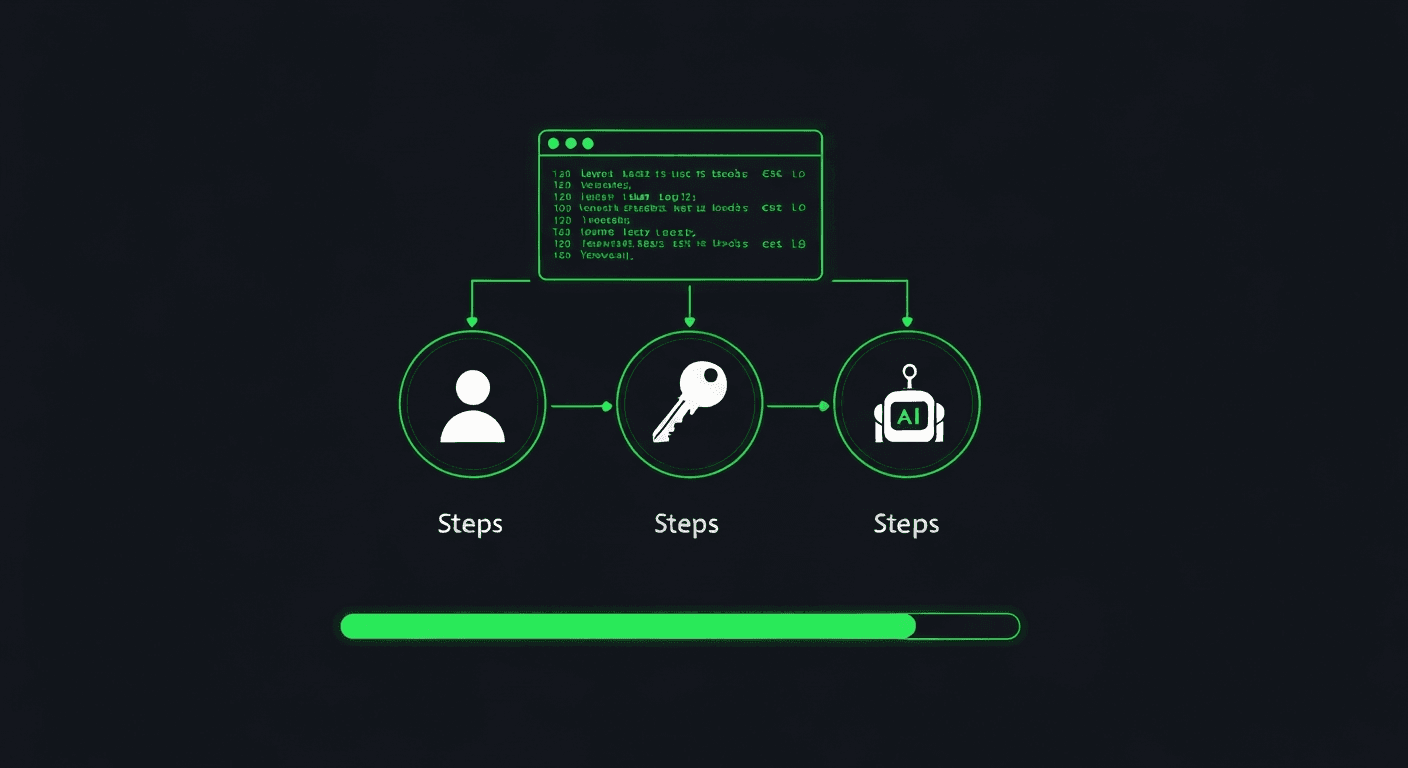
SaaS Quick Start
Start with hosted agent.ceo, create an organization, map your company, invite users, and deploy your first agent team.
getting started
Deploy Your First Agent
Step-by-step guide to creating an organization and deploying your first AI agent on agent.ceo.
getting started
Set Up an Agent Team
Configure multi-agent collaboration with role-based specialization, task delegation, and inter-agent communication.
getting started
Using the Dashboard
Navigate the agent.ceo web dashboard to monitor agents, manage tasks, and configure your organization.
getting started
Billing and Pricing
Understand agent.ceo pricing levels, flat per-agent-per-month billing, BYOK, and cost controls.
concepts
Organizational Intelligence
What agent.ceo sells — organizational intelligence — and the four levels (Business, Company, Organization, Enterprise) that make an organization progressively more capable.
concepts
Agents
Deep dive into agent architecture — roles, lifecycle, tools, communication, and autonomous operation.
concepts
Organizations
How organizations work in agent.ceo — tenant isolation, membership, roles, and resource management.
concepts
Agent Governance & Inventory
How agent.ceo makes AI agents organizational assets rather than personal ones — a single agent inventory, declared ownership and authority per agent, and an audit trail that attributes every action to an owner.
deployment
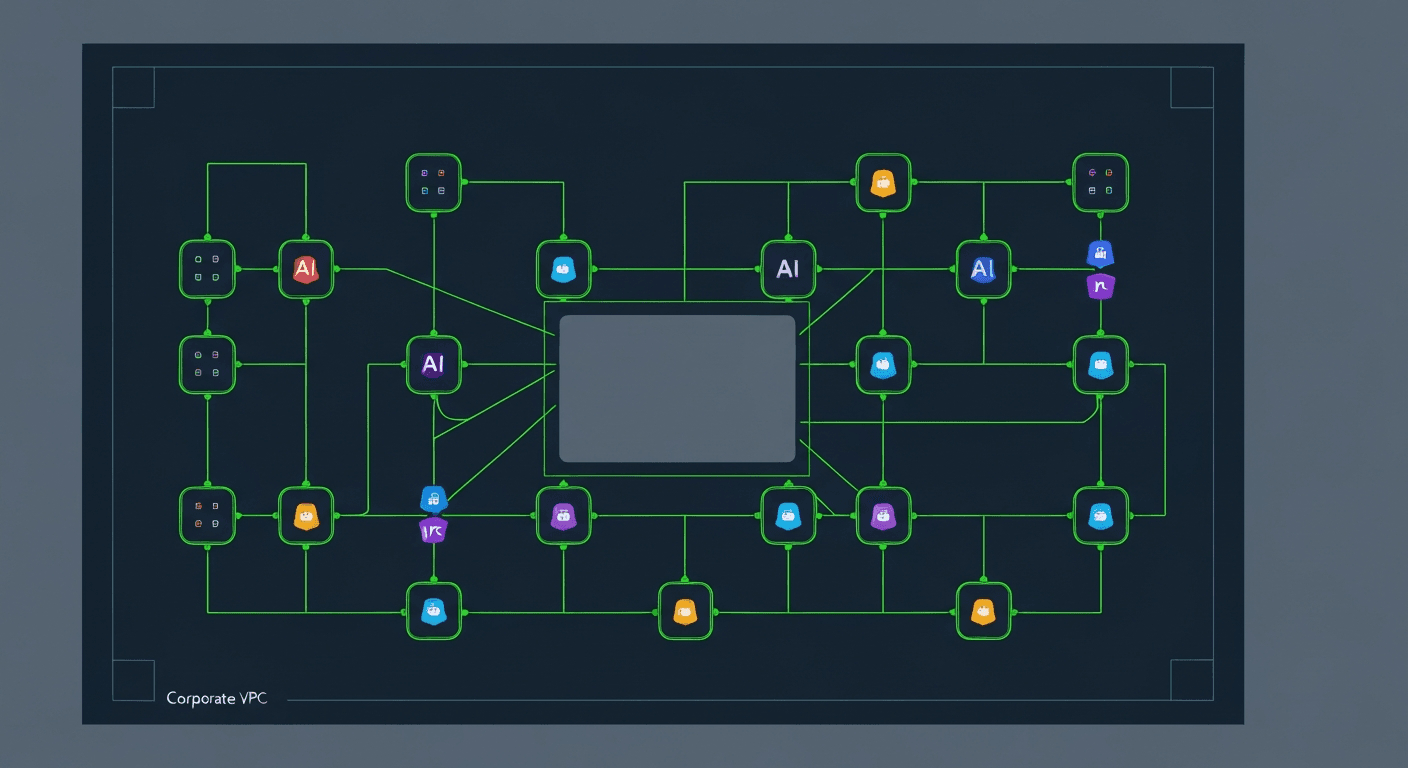
Install on Your Own Kubernetes
Plan and install a private agent.ceo deployment on your Kubernetes cluster, including control plane services, namespaces, secrets, and agent runtime.

deployment
Self-Hosted Installation
Step-by-step guide to deploying agent.ceo on your own Kubernetes cluster — NATS, Neo4j, Firestore, gateway, and agent fleet configuration.
deployment
Kubernetes Deployment Reference
Reference guide for running agent.ceo on Kubernetes — resource requirements, pod specs, and configuration.
deployment
Networking
Configure DNS, TLS, ingress, and network policies for agent.ceo deployments.
deployment
Secrets Management
Securely manage API keys, credentials, and tokens for your agent.ceo deployment.
deployment
Upgrades
Keep your self-hosted agent.ceo installation up to date with rolling upgrades and migration guides.
features
API Keys
Scoped API keys for Agent.ceo. Every integration gets exactly the permissions it needs — no more, no less.
features
Agent Registry
Browse and deploy from 15+ pre-built AI agent roles. Customize system prompts, tool access, and permissions for each agent in your cybernetic organization.
features
Agent Logs
Real-time streaming logs for every AI agent in your organization. See what your agents are doing, debug issues, and audit decisions with full transparency.
features
Token Usage Tracking
Monitor AI token consumption across your agent fleet. Track costs per agent, set budgets, and optimize spending with real-time usage dashboards.
features
Super Agent CEO
Connect your own machines to your agent.ceo organization and drive them with AI agents using the super-agent-ceo CLI.
features
Support & Issue Tracking
Report issues, track bugs, and get help from the Agent.ceo team. Built-in issue tracking with priority routing and SLA monitoring.
features
Proposals API
Org-scoped improvement proposals — submit, review, vote, and resolve agent-driven suggestions via the REST API.
features
A2A Protocol
Agent-to-Agent discovery and communication using the open A2A protocol. Agent Cards, task lifecycle, JSON-RPC methods, and integration examples.
features
Billing
Pricing levels, flat per-agent-per-month billing, Stripe integration, and how invoicing works on agent.ceo.
features
24/7 Autonomous Operation
How agent.ceo agents run continuously without human intervention — loop strategies, SLA monitoring, self-healing, wake-up mechanisms, and safety guardrails.
features
Coding-agent key setup
Add a provider key or sign in to a subscription from your agent's terminal — for orgs that chose 'set up later' (deferred) at creation, per runtime.
features
Coding Agents & Prepaid Credits
Pick your org's main coding agent at creation, choose how you pay for the model (agent.ceo credits, your own key, or set up later), and manage a prepaid USD wallet with auto-recharge.
knowledge base
Knowledge Base
Build and manage AI-powered knowledge graphs. Ingest documents, connect entities, and let agents query organizational knowledge.
knowledge base
MCP Integration
Connect your Knowledge Base to AI agents using the Model Context Protocol (MCP). Give agents scoped access to organizational knowledge.
knowledge base
Graph Explorer
Visualize your knowledge base as an interactive force-directed graph. Explore connections between entities, concepts, and sources.
security
Role-Based Access Control (RBAC)
Configure roles, permissions, and access policies for your agent.ceo organization.
guides
Enterprise Setup
Advanced configuration for enterprise deployments — SSO, compliance, network policies, and fleet management.
ui
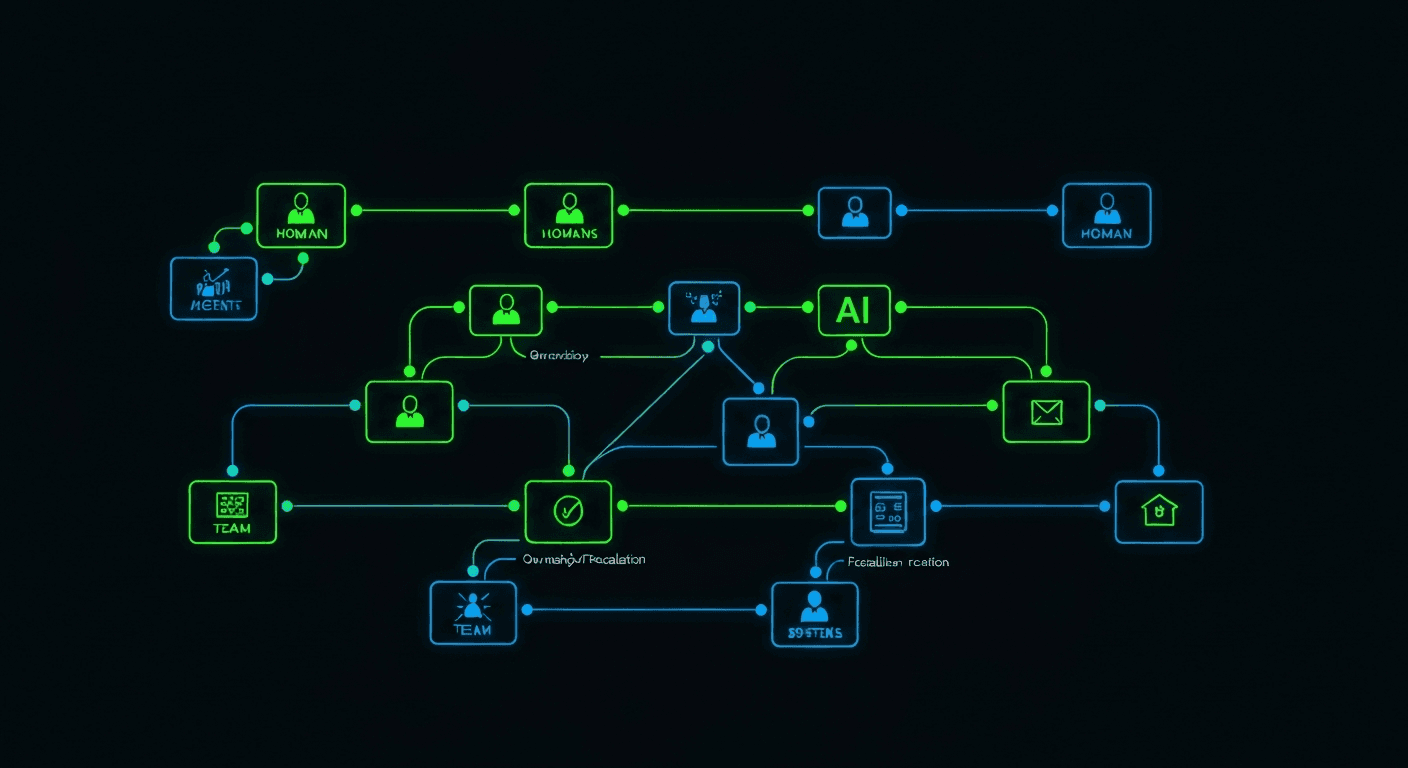
Organization Map
Use agent.ceo/map to model your organization, add users, place agents, define ownership, and route work.
ui
Dashboard
Overview of the agent.ceo dashboard — agent activity, task metrics, and organization health at a glance.
ui
Agent Management
Deploy, configure, monitor, and manage individual agents from the agent.ceo dashboard.